
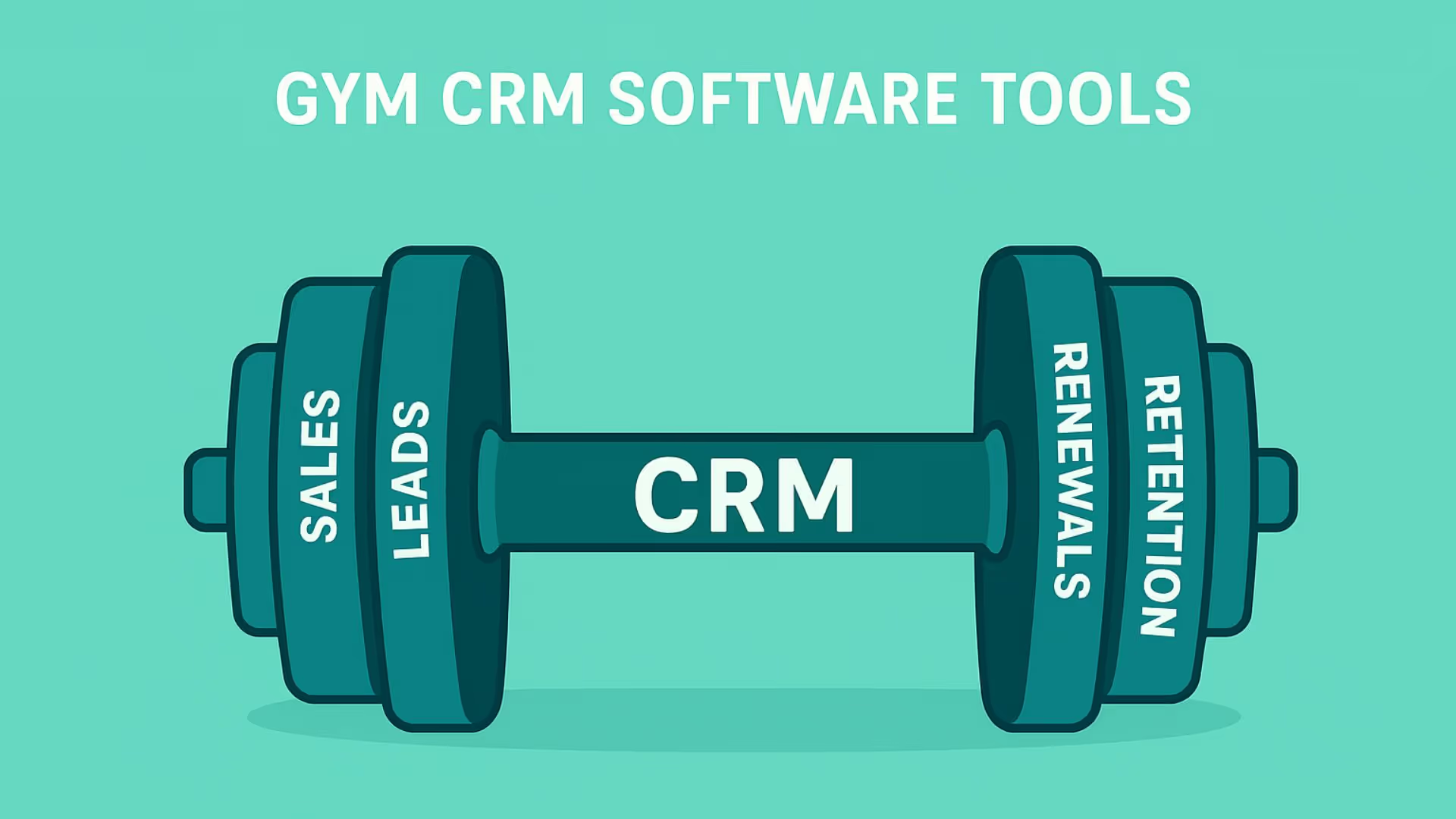


A prospective member fills out a form asking about a free trial. Another walks into the gym and says they’ll come back tomorrow. A third sends a WhatsApp message asking about membership pricing. At the same time, an existing member’s plan is about to expire and another member who used to visit regularly has stopped showing up.
When these interactions are spread across spreadsheets, inboxes, messaging apps, and separate systems, keeping track of what happened and what needs to happen next can become difficult. To keep up with the rapid scaling, a CRM (Customer Relationship Management) is crucial. It helps enhance member satisfaction and business growth.
According to verifiedmarketresearch, the gym crm market was valued at $16.88 billion in 2024, and is expected to touch $38.05 billion by 2032, growing at a CAGR of 14.3%.
What is a Gym CRM?
It helps gyms:
- Track leads, trials, and active members
- Manage memberships and renewals
- Automate communication and follow-ups
- Centralize member data and interactions
- Improve retention and lifetime value
The exact functionality varies by platform. Some systems focus mainly on CRM workflows such as lead management and retention, while others combine CRM features with broader gym-management functions such as billing, scheduling, attendance, and access control.
Gym CRM vs Gym Management Software
The terms “gym CRM” and “gym management software” are often used interchangeably, but they can describe different parts of the fitness-business workflow.
A gym CRM primarily manages relationships: leads, follow-ups, trials, communication, sales, member engagement, renewals, and reactivation.
Gym-management software is generally more operational: memberships, billing, class scheduling, attendance, check-ins, staff scheduling, and access control. Many modern fitness platforms combine both.
Why Fitness Businesses Need Specialized CRM Tools
- Managing Member Relationships and Retention: Gym CRMs track member preferences, attendance, progress, and feedback. This enables personalized communication that strengthens long-term relationships and reduces churn.
- Streamlining Operations: To automate tasks like class bookings, billing, and attendance tracking, reduces administrative workload and minimizes errors.
- Enhancing Marketing Efforts: To run targeted campaigns, promotions, and follow-ups to attract and retain members using the marketing automation features.
How a Gym CRM Manages the Member Lifecycle
A gym CRM supports the full member journey - from first enquiry to long-term retention.
Lead acquisition → Qualification → Trial → Membership conversion → Onboarding → Engagement → Renewal → Retention → Reactivation
Each stage can trigger different CRM actions.
Lead acquisition
Capture enquiries from websites, paid ads, social media, WhatsApp, referrals, calls, walk-ins, and other channels.
Lead qualification
Record information such as membership interest, preferred plan, location, training goals, trial status, or other details that help staff understand the prospect.
Trial
Track trial bookings, reminders, attendance, no-shows, and the follow-up that happens afterward.
Membership conversion
Move the prospect into the membership stage once they decide to join, while retaining the relationship history built during the sales process.
Onboarding
Manage welcome communication, introductory sessions, trainer assignment, and other early-member activities where supported by the system.
Engagement
Track relevant member activity and communication so staff can identify changes that may require attention.
Renewal
Identify upcoming membership expirations and create appropriate reminders or follow-up tasks.
Retention
Use member history and relevant engagement signals to organize outreach to members who may need attention.
Reactivation
Former or inactive members can be segmented for appropriate win-back communication rather than disappearing from the system after cancellation.
Here are some useful retention triggers:
Active members: Upsell/cross-sell personal training, nutrition plans, or premium classes
Inactive members: Re-target with offers and engagement campaigns
Cancelled members: Win-back campaigns
Expiring memberships: Automated renewal reminders
Trial Management in a Gym CRM
Trials are one of the most important stages in the gym sales journey because there is a clear opportunity to move a prospect from interest to an actual membership decision.
A CRM can track:
- Trial booking
- Trial date and time
- Reminder status
- Whether the prospect attended
- Follow-up after the trial
- Membership outcome
A simple trial workflow might look like:
Trial booked → Reminder → Attended / No-show → Follow-up → Membership decision
If a prospect misses the trial, the CRM can create a rebooking task. If the prospect attends but does not immediately join, the team can schedule an appropriate follow-up.
Key Features to Look for in a Gym CRM
Member Lifecycle Management: Track prospects, trial sign-ups, active members, and renewals all in one place. Automations reduce missed renewals and improve retention rates.
Class Scheduling & Booking: Allows members to book classes online while staff can manage schedules efficiently.
Automated Billing & Payments: Recurring membership billing and payment processing. Your gym CRM should handle invoicing and send reminders on payment dates. This automation ensures steady revenue without manual billing.
Mobile Access & Apps: Should be mobile-responsive for members and staff. Mobile access is particularly useful when staff spend time away from a front desk or when trainers need access to relevant member information while working on the gym floor.
Communication & Marketing: Features that let you send automated email/SMS campaigns, newsletters, promotions, and automated sequences (e.g. welcome series, trial expiration alerts). These workflows can also support renewal reminders, missed-trial follow-ups, inactive-member outreach, and post-join communication.
Reporting & Analytics: Dashboards that show key metrics (new sign-ups, attendance, revenue, retention). They help identify trends like member lifetime value or at-risk members which can help gym owners make data-driven decisions on classes and marketing.
Lead & Prospect Management: Capture enquiries, assign ownership, record lead source, track trial status, and monitor movement through the sales pipeline.
Member Profiles & Interaction History: Bring relevant contact details, membership status, communication history, notes, preferences, and other useful relationship information into one view.
Retention & Reactivation: Identify expiring memberships, inactive members, cancelled members, trial no-shows, or other segments that need a follow-up workflow.
Integrations: Check whether the CRM can connect with the tools your gym already uses for payments, scheduling, attendance, communication, website forms, marketing, accounting, or access control.
Gym CRM Metrics to Track
A gym does not need dozens of KPIs. The useful metrics are the ones that help the team understand acquisition, conversion, engagement, retention, and revenue.
Lead metrics
- New enquiries
- Lead source
- Lead response time
- Contact rate
Sales metrics
- Lead-to-trial conversion
- Trial-to-membership conversion
- New memberships
- Average membership value
- Sales cycle
Engagement metrics
- Attendance
- Class participation
- Inactive members
- Trial no-shows
Retention metrics
- Renewal rate
- Churn
- Membership expirations
- Reactivation rate
Financial metrics
- Recurring revenue
- Outstanding payments
- Revenue by membership type
Who should use a Gym CRM?
- Independent gyms
- Fitness studios (yoga, pilates, CrossFit)
- Wellness centers
- Multi-location fitness chains
Whether you manage 50 members or 5,000, a CRM helps you scale without losing control. Gym CRM software can also be relevant for personal training businesses, martial arts academies, boutique studios, and other membership-based fitness businesses.
How to Choose the Right CRM for Your Fitness Business
Selecting the appropriate gym CRM software involves assessing several factors, answer these questions first:
- What is your gym’s size and growth plan?
- Do you need advanced automation or basic membership tracking?
- Is the CRM easy for trainers and front-desk staff to use?
- Does it support mobile access and integrations?
- Can it scale as your member base grows?
- Is the CRM user-friendly, customizable, and offers customer support?
Integrations with existing tools: Check if the CRM integrates seamlessly with other software you use such as accounting or marketing platforms.
Gym CRM in Practice
Your choice of a gym CRM software depends on your gym’s size and goals. If you’re a small business, an all-in-one platform that covers scheduling, check-in, and billing is generally the preference. For larger chains, a scalable and robust platform to handle marketing, analytics and higher volume of data is the go-to.
Superleap CRM helps fitness businesses manage leads, memberships, communication, real-time analytics and follow-ups through automated workflows - allowing teams to focus more on member experience than manual operations.
The right setup is not determined by gym size alone. An independent gym may want an all-in-one platform, while another may prefer a CRM connected to separate billing or scheduling tools. A multi-location business may also prioritize centralized data and location-level reporting.
The better approach is to identify the workflows your team actually needs to manage and then decide whether one platform or a connected stack handles them most effectively.



.avif)
%201%20(1).svg)
.svg)
.svg)
.svg)
.svg)