
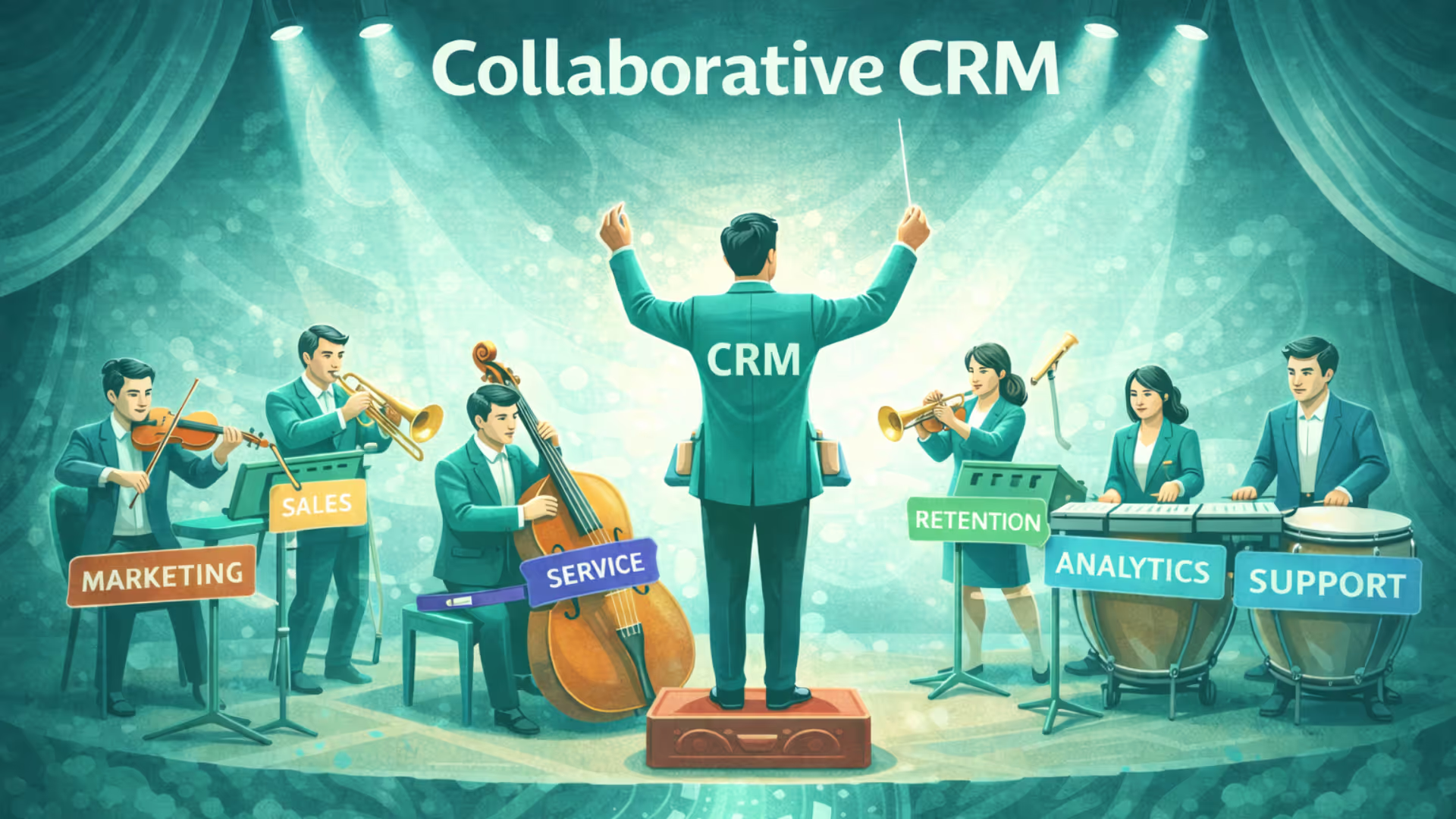


Collaborative CRM exists because customer-facing teams rarely work in isolation anymore. When information is scattered across tools and inboxes, collaboration breaks down and that’s exactly where a shared CRM makes a difference.
This blog explores what collaborative CRM is, the challenges it solves, key features to look for and how businesses can implement it effectively.
What is a collaborative CRM?
Unlike operational CRM, which focuses primarily on automating customer-facing processes, or analytical CRM, which focuses on analyzing customer data, collaborative CRM focuses on sharing customer information and improving coordination between teams.
For example, when a customer moves from sales to onboarding, the onboarding team can access the customer's previous conversations, requirements, deal information, and notes instead of asking the customer to repeat the same information.
Key features of Collaborative CRM
Centralised customer data
All teams access a single, shared customer profile that includes interaction history, preferences, notes and past issues. This eliminates data silos and duplicate records.
Omnichannel communication management
Collaborative CRM brings email, calls, chat, social media and messaging apps into one place, ensuring consistent communication across every customer touchpoint.
Shared interaction timeline
Every customer interaction is logged chronologically, giving teams full context before responding whether it’s a sales follow-up or a support query.
Team collaboration tools
Features like internal comments, mentions, tags and shared tasks allow teams to collaborate on customer conversations without switching tools.
Unified inbox
A shared inbox enables multiple team members to view, assign and respond to customer messages, ensuring faster responses and clear ownership.
Cross team workflow automation
Automated workflows help route leads, tickets or conversations between teams based on rules, ensuring smooth handoffs and no missed follow-ups.
Role based access control
Teams can access relevant customer data based on their roles, maintaining data security while enabling effective collaboration.
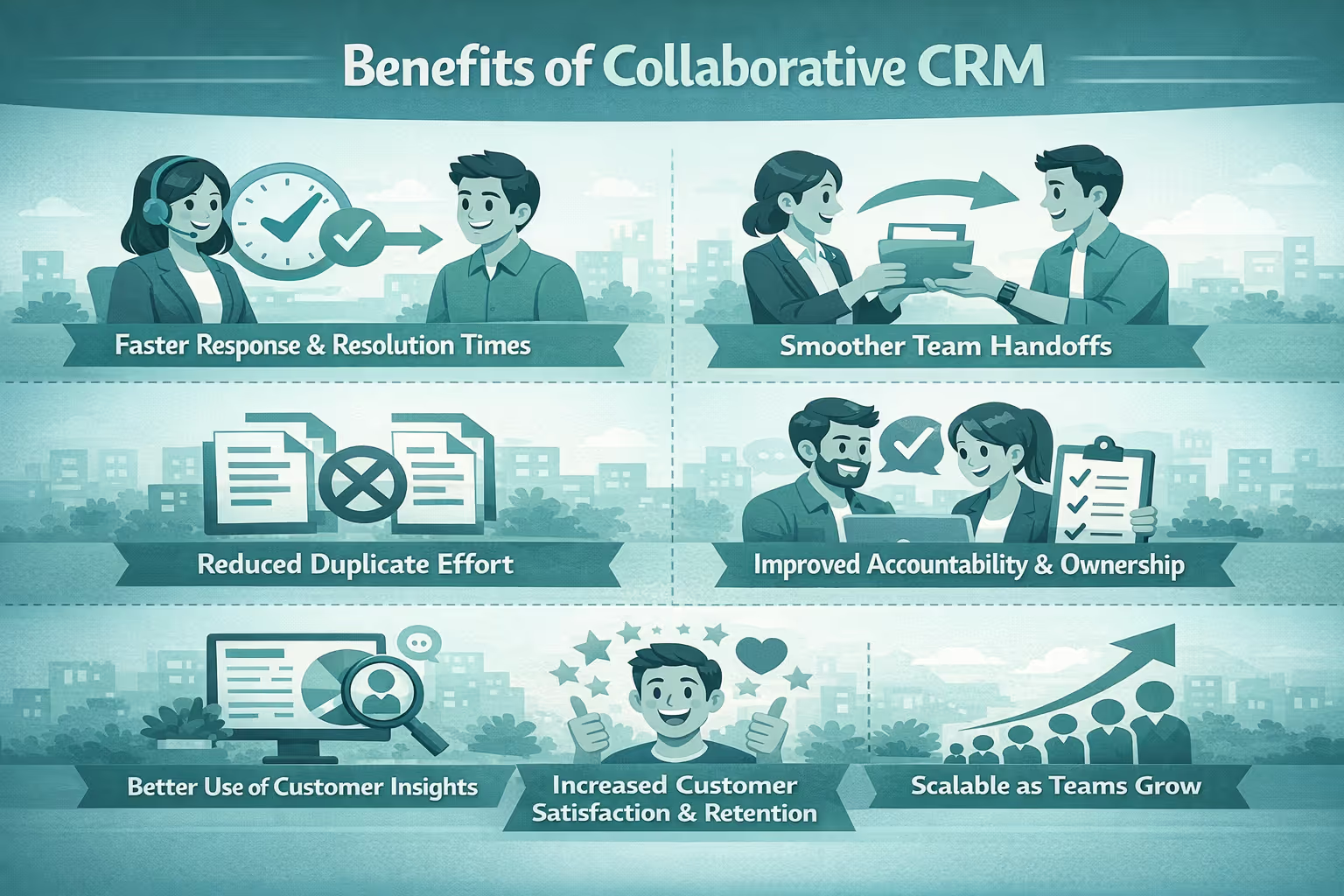
Challenges solved by Collaborative CRM software
Siloed customer information
Without a shared system, teams store customer data in separate tools. A collaborative CRM centralizes all information, ensuring everyone works with the same, up-to-date context.
Poor cross team collaboration
Misalignment between sales, marketing, and support often leads to delays and confusion. Collaborative CRM enables real-time collaboration through shared notes, tags, and internal communication tools.
Inconsistent customer experience
Customers receive mixed messages when teams operate independently. A collaborative CRM ensures that customers receive similar experiences as teams are well connected.
Inefficient handoffs between teams
Leads, tickets and accounts often get lost during transitions. Automated workflows and shared timelines enable smooth, transparent handoffs.
Lack of accountability
Unclear ownership leads to missed follow-ups. Collaborative CRM assigns responsibility clearly through task management and conversation ownership.
Key collaborative CRM metrics to track
First response time
Measures how quickly teams respond to customer queries across channels. Faster response times indicate better coordination and ownership.
First contact resolution
Tracks the percentage of issues resolved in the first interaction. High FCR shows effective collaboration and shared context between teams.
Handoff time between teams
Measures the time taken to transfer a lead, ticket, or account from one team to another. Lower handoff times reflect smoother workflows.
Interaction coverage
Shows whether all customer touchpoints (calls, emails, chats, social messages) are being logged and shared consistently across teams.
Channel consistency
Evaluates whether customers receive aligned messaging across different channels, reducing confusion and repetition.
How to implement collaborative CRM?
Map cross team customer journeys
Start by identifying how customers move between sales, marketing and support. Document where handoffs happen and where information is currently lost.
For example, identify where leads transition from marketing to sales to onboarding
Identify collaboration gaps
Pinpoint issues such as delayed follow-ups, repeated questions or unclear ownership. These gaps will guide your CRM configuration.
For example, leads sitting uncontacted because ownership wasn’t assigned.
Centralise customer data
Migrate all customer information like contacts, interactions, tickets, notes into a single CRM (like Superleap) to create a shared source of truth.
For example, replace multiple spreadsheets with a single CRM database.
Connect all communication channels
Integrate email, calling, chat, social media and messaging platforms so every interaction is captured in one unified system.
For example, customer replies from Whatsapp appear inside the CRM.
Define roles and responsibilities
Set role-based permissions to ensure that teams see relevant data while maintaining security and compliance.
For example, managers have full visibility while agents see only relevant data.
Build collaboration workflows
Create automated rules for lead routing, ticket escalation, team handoffs and internal alerts and tagging.This ensures that nothing falls through the cracks.
For example, high priority tickets are auto-escalated to senior agents.
Enable team collaboration tools
Activate features like internal notes, mentions, shared inboxes, and task assignments to encourage real-time collaboration.
For example, sales tags onboarding when a deal is closed.
Train teams on shared processes
Go beyond tool training by aligning teams on how and when to update records, hand off conversations and communicate internally.
For example, clear rules on when sales should add notes after calls.
Track collaboration metrics
Monitor response times, handoff duration, resolution rates, and collaboration activity to identify improvement areas.
For example, weekly review of missed handoffs or delayed responses.
Optimise continuously
Review workflows and metrics regularly. Refine automation, update permissions, and adjust processes as teams grow or change.
For example, updating automation rules as new teams or channels are added.
Conclusion
Collaborative CRM isn’t just about better internal alignment, it directly impacts how customers experience your brand. When teams share context, communicate in real time, and hand off seamlessly, customers notice the difference.
If you’re ready to eliminate silos and build a truly connected customer experience, Superleap is the choice for you.


.avif)

.avif)
%201%20(1).svg)
.svg)
.svg)
.svg)
.svg)