
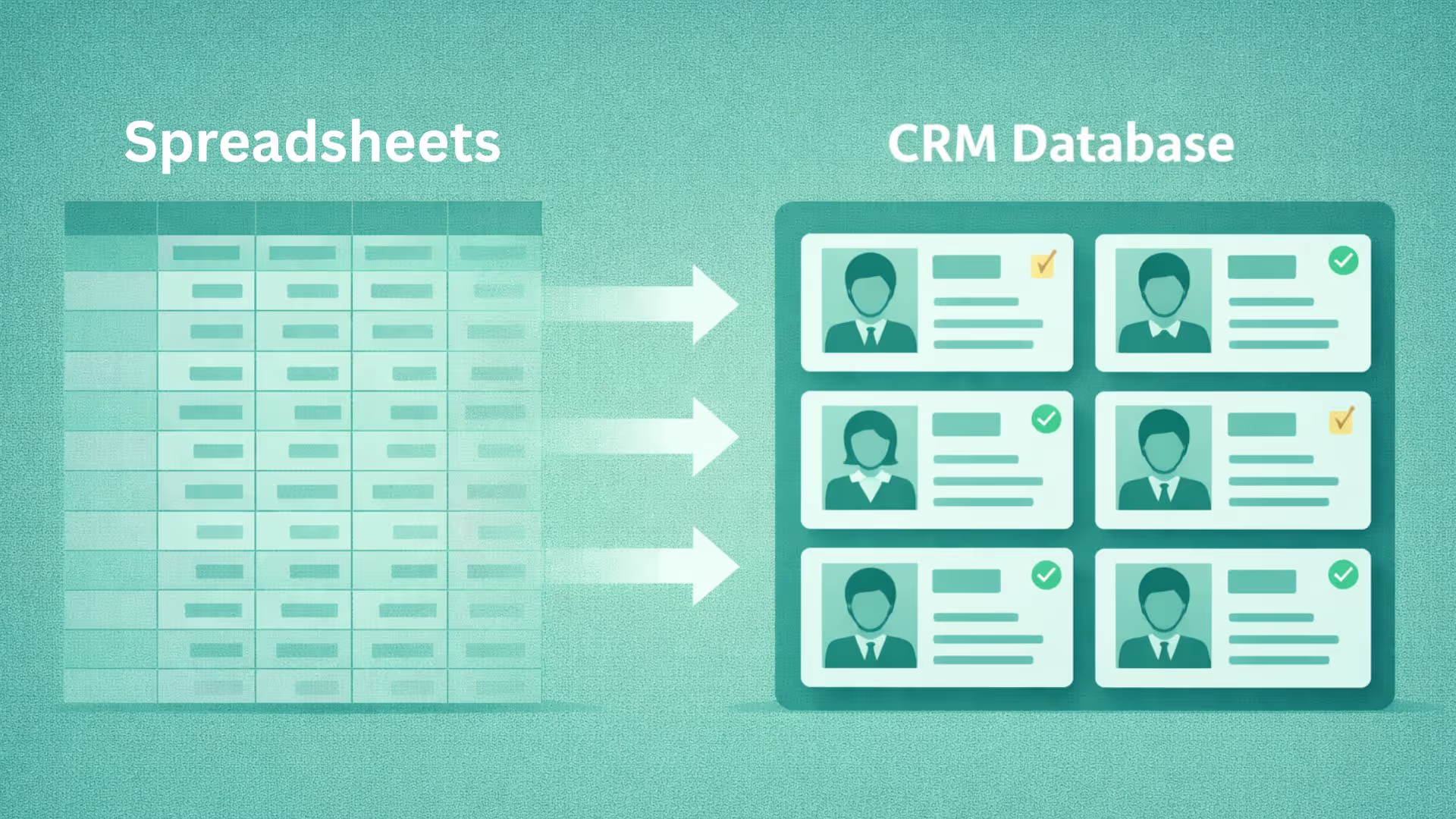


A Customer Relationship Management (CRM) system is only as valuable as the data it holds. The CRM database is the single source of truth for all customer interactions, sales pipelines, and marketing insights. If that data is inaccurate, incomplete, or poorly managed, the entire system becomes a liability rather than an asset.
In this guide you will learn how to maintain a CRM database to run your business on data-backed numbers rather than fruitless guesswork.
What is a CRM database?
A database is simply a structured collection of data, kept in linked records so it can be searched and updated quickly. A CRM database applies that idea to customer relationships. It stores customer, lead, and account data, enabling teams to manage relationships and revenue from one place.
The CRM database is where customer data lives, while CRM data management defines how that data is collected, cleaned, governed, and secured over time.
What data does a CRM database store?
How does a CRM database work?
A CRM database functions by collecting data from multiple touchpoints and syncing it into one centralized system where teams can act on it in real time. Each company, contact, deal, and activity is its own record with a unique ID, and records link to each other. One account can connect to many contacts, each contact to many activities, and each deal to the contacts involved.
CRM database example
Here is how a few linked records might look for a fictional company:
How data gets into a CRM database
Web forms & landing pages: Forms are a common inbound lead source. Best practice involves capturing hidden fields (UTMs, first/last touch) and logging them directly to lead records. UTMs are tags added to a link that show which campaign a visitor came from, and first and last touch show the first and most recent interaction.
Email & calendar sync: Automatic logging of inbound/outbound emails (Gmail/Outlook connectors), and creating calendar events corresponding to that contact or account.
Phone / call tracking: Call records and transcripts are automatically mapped to contact records and logged as activities. Tools that use dynamic number insertion (DNI) show visitors different tracking numbers, so each call can be traced back to its source.
Chat / bot transcripts: Chat sessions are saved as an activity under the contact’s record.
Manual entry / data import: CSV uploads from events or trade shows. Our CRM migration guide covers imports in detail.
Third-party enrichment & batch updates: Clearbit/ZoomInfo enrich company/role data; import via extract, transform, load (ETL) processes.
APIs & webhooks: Real-time integration with product events (signup → create contact), billing systems (invoice paid → update account), or custom apps. A webhook is an automatic message one system sends to another when something happens.
CRM database vs CRM data management
A CRM database refers to where customer data lives, while CRM data management defines how that data is collected, cleaned, governed, and secured over time.
Without proper data management practices, even the best CRM database becomes unreliable.
CRM data quality, governance, and security
Your CRM database must maintain quality, governance and security to effectively manage data. Here’s what it means:
Data quality
Data quality is how reliable your data is. Poor data quality is a threat and reduces the effectiveness of every team that relies on it, which can lead to wasted marketing spend.
Check for:
- Accuracy: Is the information entered correct? (valid phone numbers and emails)
- Completeness: Are all the necessary fields populated? (industry, role, deal value)
- Consistency: Is the data formatted uniformly? (Are dates saved as YYYY-MM-DD across the board?)
- Timeliness: Is the data up-to-date? (Has the contact moved jobs or changed companies?)
Poor CRM data quality directly impacts lead scoring accuracy, forecasting reliability, and sales productivity.
Duplicates: Data duplication is one of the biggest CRM database management challenges. When the same lead is entered multiple times, it inflates lead counts and frustrates customers who receive duplicate communications. Duplicates come from several sources: imports, web forms, and manual entry. Matching rules at the point of entry stop many of them before they are saved.
Fix: A CRM should include AI-powered deduplication tools that intelligently identify and merge records based on logic such as matching “Robert Smith” at “Acme Corp” with “Rob Smith” at “Acme Company.”
To measure quality, track these numbers over time:
- Completeness rate of key fields
- Duplicate rate
- Email bounce rate
- Share of records not updated in the last year
- Time taken to update a record after a change
Data governance
Data governance is the rules set by your company to manage the data. This can include policies, processes, and access based on user role.
For example, who owns the data? How do we standardize field entries? What is the protocol for merging duplicate records?
Ownership means assigning role-based data access to different teams to define viewing authority and holding each member accountable. A data dictionary lists every field, what it means, and its allowed values, so teams enter data the same way. Required fields and validation rules stop incomplete or badly formatted records at the door.
Implementing strong data governance helps everyone from marketing to sales teams use the CRM database according to the same rules, thereby maintaining integrity and transparency.
Data security
Given that CRM systems store sensitive Personally Identifiable Information (PII) and financial details, security is paramount. This includes setting up robust access controls, encryption, and compliance checks (especially for regulations like GDPR, CCPA, India’s DPDP Act, or HIPAA, depending on your industry and where your customers are).
- Payment cards: Keep raw card numbers out of the CRM.
- Consent: Store records of when and how a customer agreed to be contacted.
- Retention: Archive or delete records you no longer need, and handle access and deletion requests within the timelines your regulations set.
- Backups: Back up your data regularly and test that you can restore it.
- Audit logs: Use logs to see who viewed or changed a record.
CRM database management best practices
Data cleansing: Ensure data format is standardized with no duplicate records and a complete client profile for the sales teams. It is a continuous process rather than a one-time activity.
Import hygiene: Clean and map every file before you import it, and check a sample after the import.
Enrichment: Refresh company and role data on a schedule, since people change jobs and companies change details.
Maintenance schedule: Run weekly audits and a system integrity check once or twice a year, confirming compliance settings follow current guidelines.
Training: Show users how to enter data correctly and why it matters, so quality does not depend on a few careful people.
Automation: Let the CRM capture emails, calls, and meetings automatically, and use AI to flag duplicates and missing fields. Our AI for sales guide covers how.
How to set up a CRM database
Follow this order when you build one from scratch:
- List the objects and fields your teams need to track.
- Set required fields and validation rules.
- Clean and import your existing data.
- Set deduplication rules and permissions.
- Connect your data sources, such as email, forms, calls, and billing.
- Train users, then review quality on a schedule.
How to choose a CRM database
Ask these questions when you compare CRM tools:
- Where is the data hosted, and does that meet your regulations?
- Can you export all of your data if you leave?
- How does it handle duplicates at the point of entry?
- What permissions and audit logs does it offer?
- Does it connect to your email, forms, calls, and billing tools?
Benefits of a CRM database
Data-driven decision making: CRM dashboards display analytics and reports in one view, aiding strategic planning.
Improved customer relations: Your CRM database stores historical preferences and communication patterns that enable personalization at scale. This also helps identify cross-sell and upsell opportunities, thereby increasing revenue.
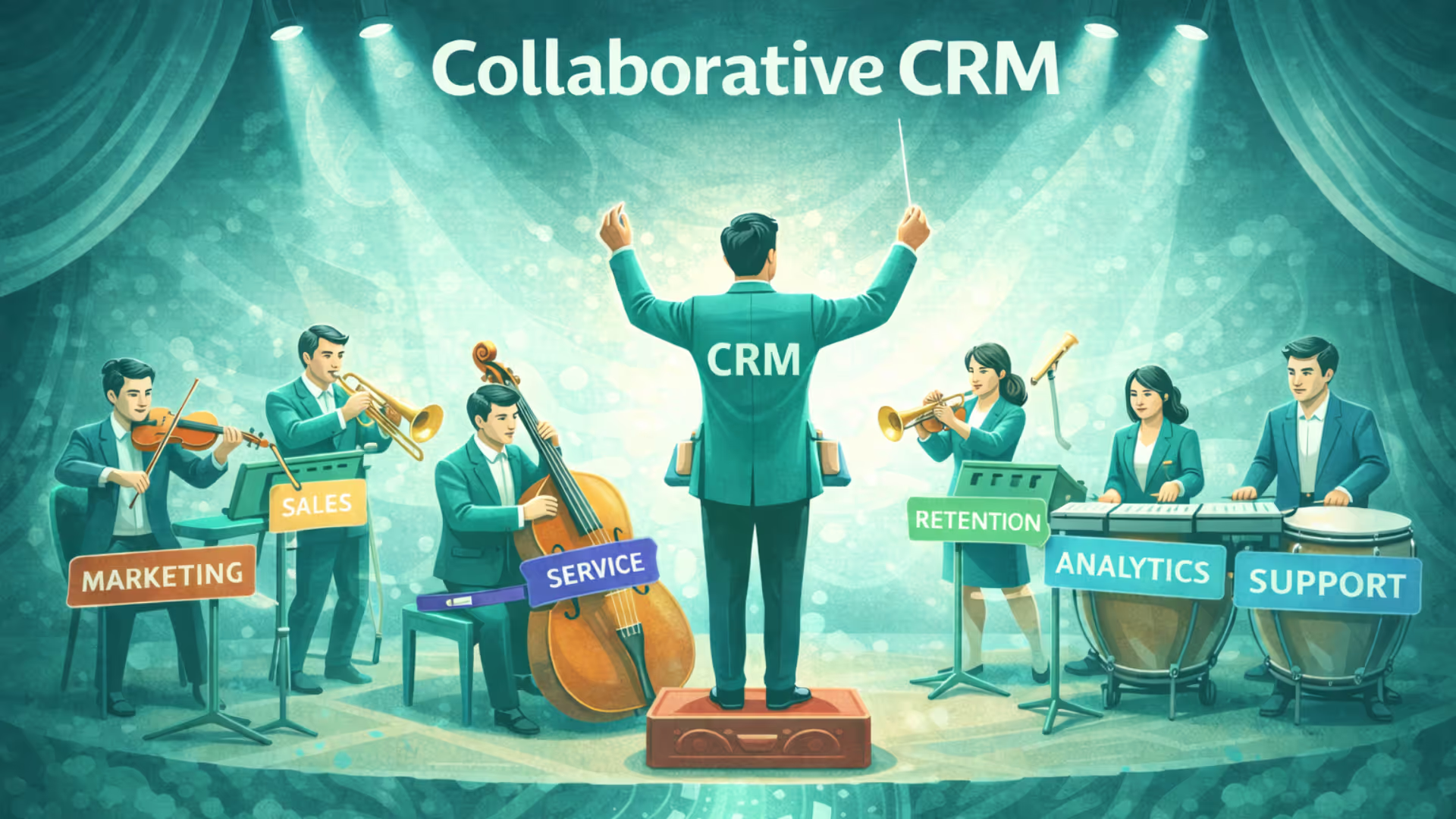
Enhanced collaboration: Information is transparent to teams across departments like sales, marketing, and product, enhancing cross-departmental collaboration.
Operational efficiency: All workflows and tasks are automated, reducing manual effort and human error.
Challenges in managing CRM databases
Data quality, duplicates, and security problems are covered above.
Conclusion
Imagine the constant confusion of “who owns this lead?” and the frustrating double follow-ups your clients receive.
A clean CRM database ends both problems by giving every team one reliable record of each customer. A reliable CRM database comes down to knowing what you store, keeping it accurate, controlling who can see it, and reviewing it often.
To keep customer data clean and connected, with automatic capture and AI-assisted deduplication, see how Superleap AI CRM supports your team.



.avif)
%201%20(1).svg)
.svg)
.svg)
.svg)
.svg)